
Step 1 — Register
Create your Xdata account first. Mail System setup starts after you sign in.
- Open client.xdata.id/Account/Register.
- Fill name, email, company, and password.
- Verify your email, then add Mail System.

XDATA email system has compatibility to migrate from AWS WorkMail that ends service on 31 March 2027. XDATA Mail System providing WorkMail-comparable capabilities and frictionless onboarding for easy migration, see below the easy step by step to move your mailbox from AWS to Xdata.
Create your Xdata account first. Mail System setup starts after you sign in.
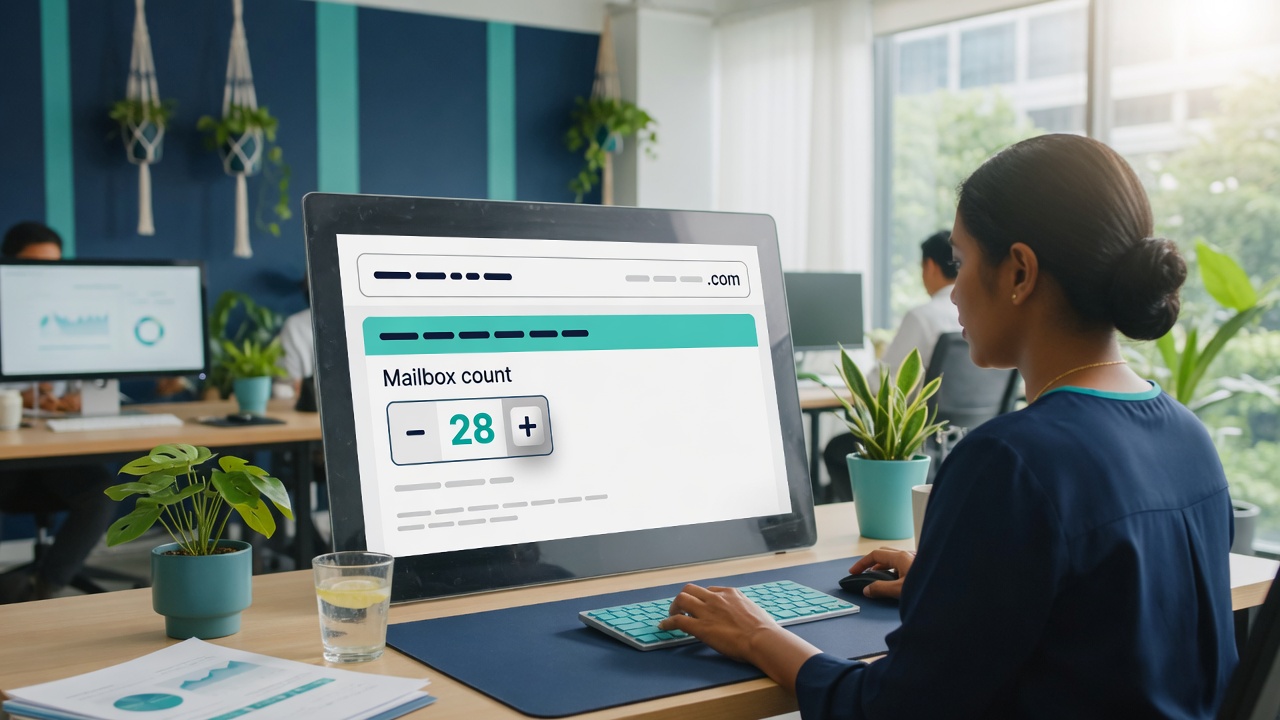
In Mail System setup, tell us the domain you already use on AWS WorkMail and how many mailboxes to host.

For each mailbox, enter the same address and password you use on AWS WorkMail. Xdata uses them only to copy mail.
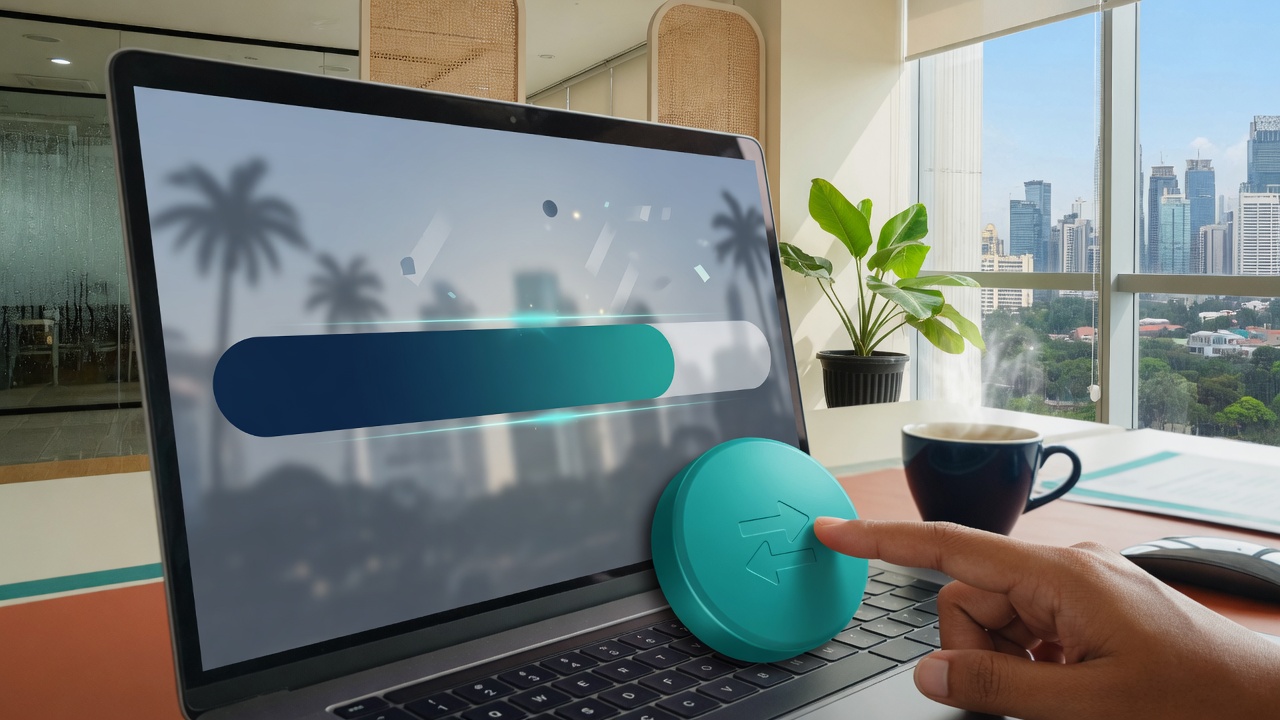
After payment, open Mail System on the dashboard and click Migrate mailbox (or migrate all).

Each mailbox keeps its AWS data. You can send and receive on Xdata Mail.