Point Of Sales (POS) Lengkap

POS for small business and UMKM. Use a phone or tablet. Live QRIS so you know the customer paid. No monthly fee. 5% only when there is a sale.

  • For UMKM and small shops
  • Phone or tablet — no expensive machine
  • Live QRIS, not a static QR
  • Free. 5% per paid sale

Watch the story

XDATA POS system

  • Unlimited transactions and see all the data
  • Unlimited storage, and you can add unlimited product photos
  • Unlimited stock management
  • Unlimited users
  • Unlimited stock management with an AI system that automatically reduces multiple stock items when one product is sold
Free — register now
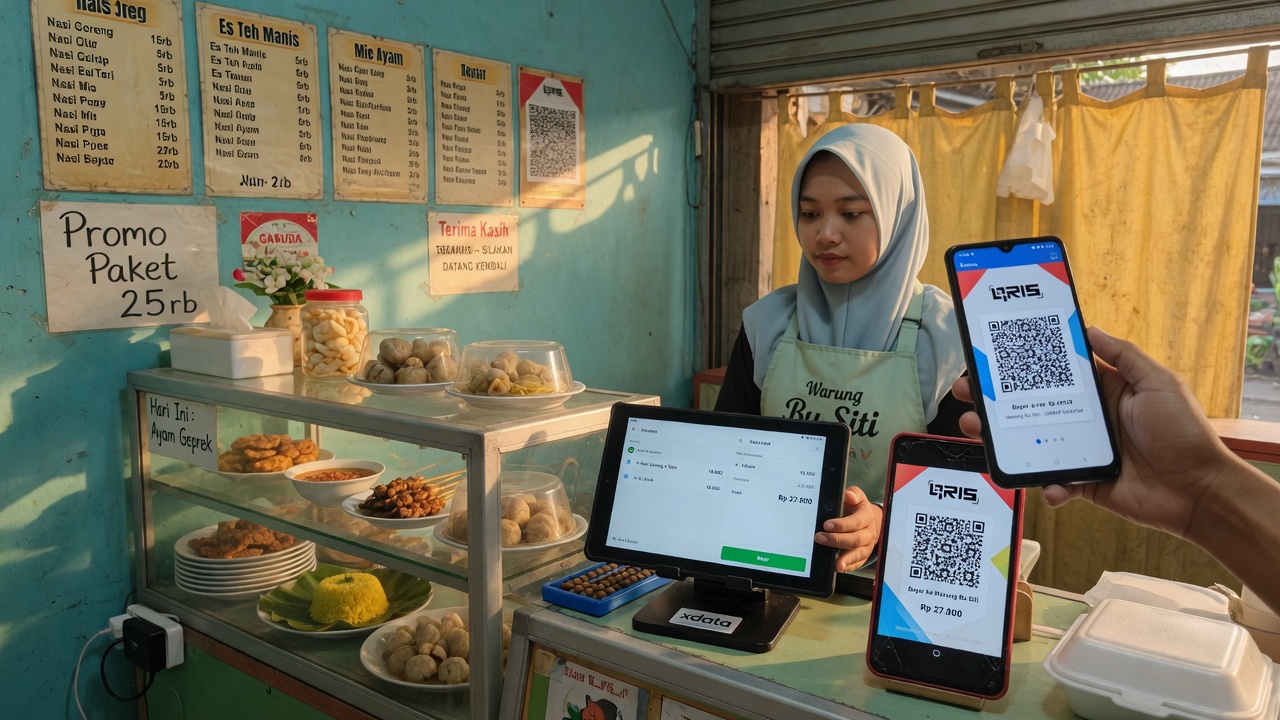
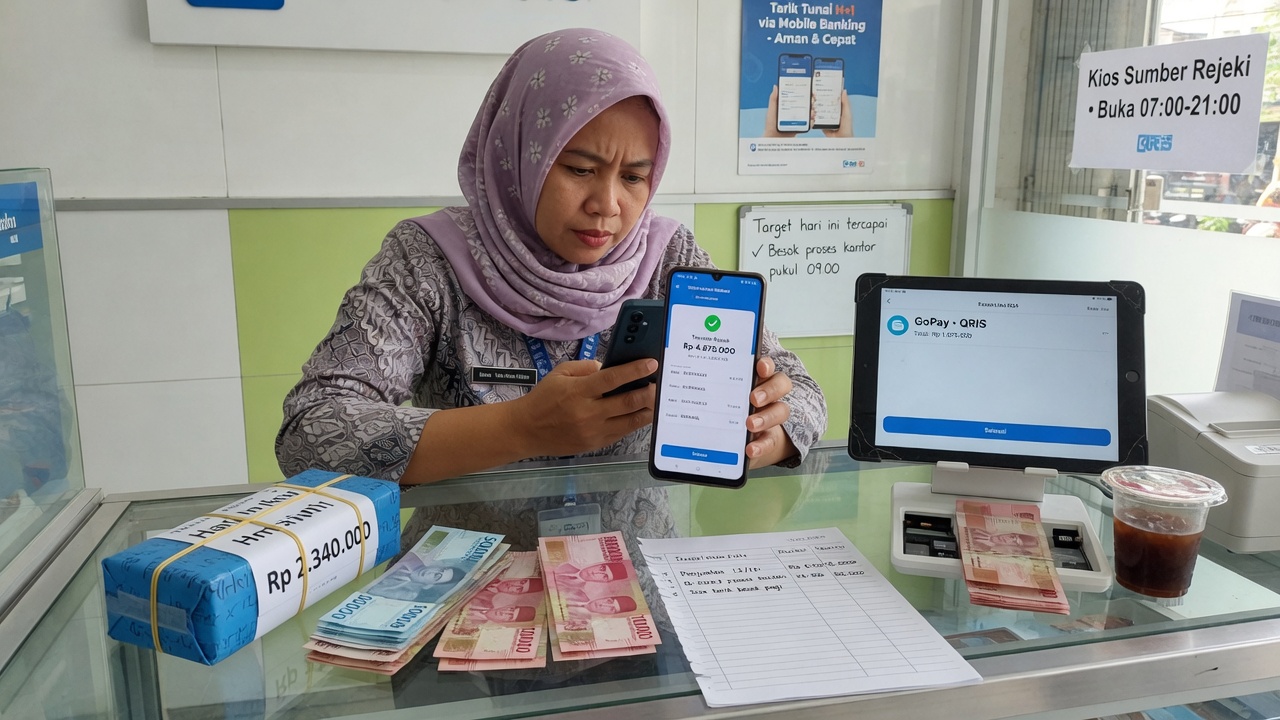
UMKM warung using a tablet POS and live QRIS
1

Built for UMKM — as strong as a big restaurant POS

Xdata POS is built for small businesses and UMKM that need a system as strong as a big restaurant POS, without a large budget at all. You can use live QRIS instead of a static printed code, so you know whether the customer paid. Guests pay the exact amount — they do not type a number, so there is no mistaken total.

  • The same class of POS as a large restaurant, without a large budget at all
  • Live QRIS — you see the payment, not a static poster
  • Customer scans and pays the bill amount. No keypad mistakes
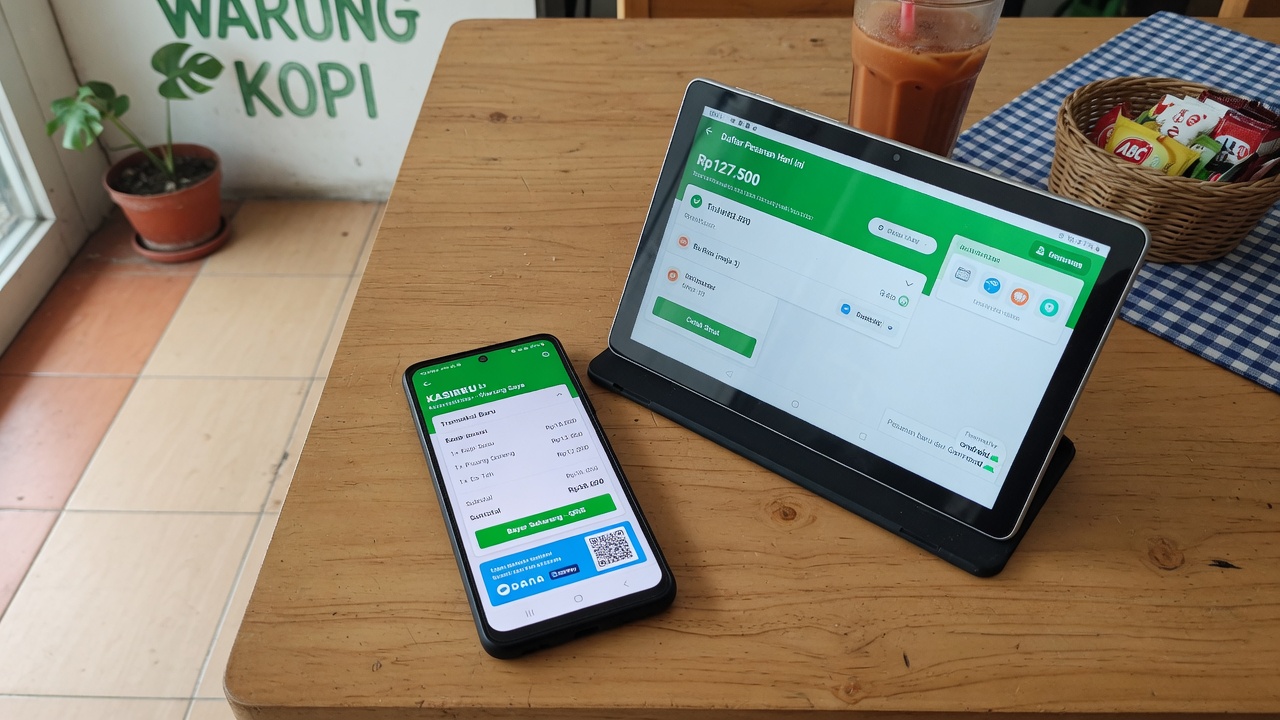
Android phone and tablet running Xdata POS
2

Web and Android — use the phone or tablet you have

POS in Xdata uses the web and Android apps that install on an Android phone or tablet. You do not purchase an expensive POS machine. Use the phone or tablet you already have.

  • Browser POS at pos.xdata.id/your-store
  • Android phone or tablet
  • No dedicated cash-register hardware to buy
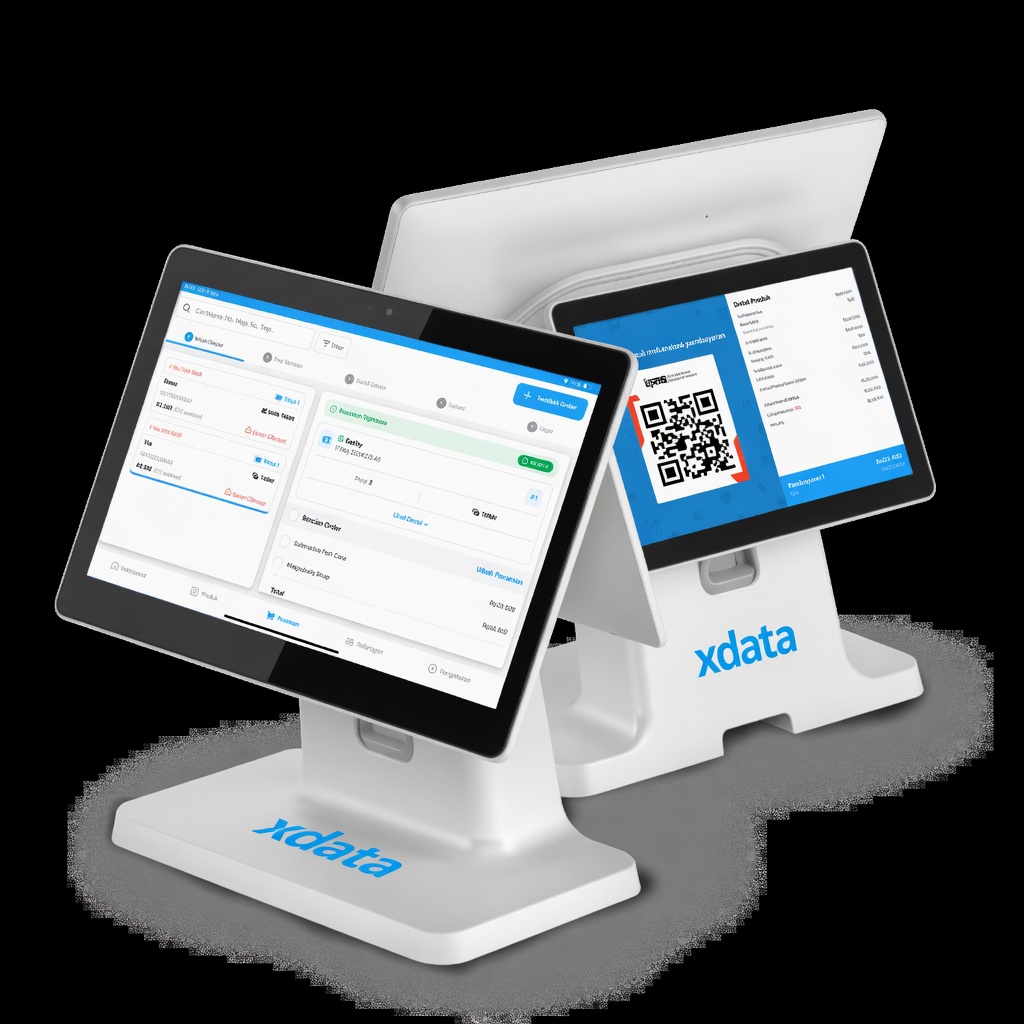
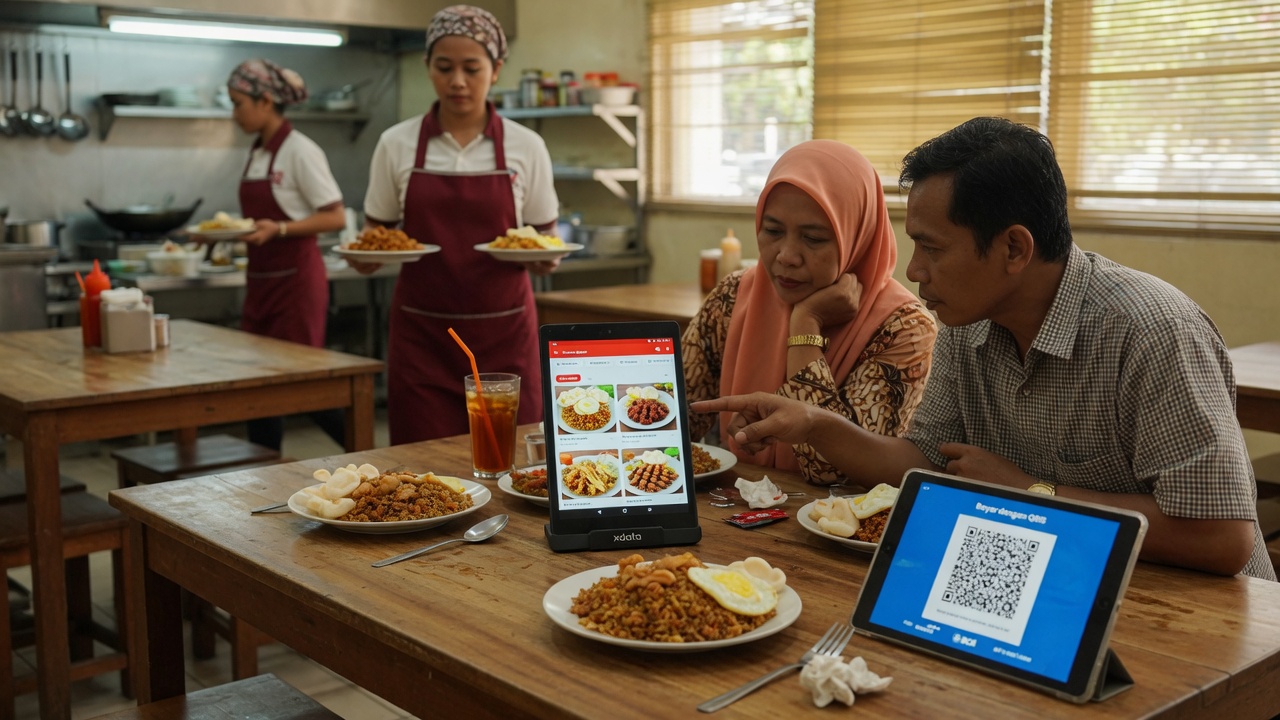
Two Android tablets: cashier POS and customer QRIS, branded xdata
3

Cashier tablet and QRIS tablet — like a big POS

POS Xdata uses the same method as a big POS system. One tablet takes the order and payment. The other tablet shows QRIS and the payment data for the guest.

  • Staff tablet: input the order and take payment
  • Guest tablet: QRIS and the bill at qr.xdata.id/your-store
  • Amount on the QR matches the POS total
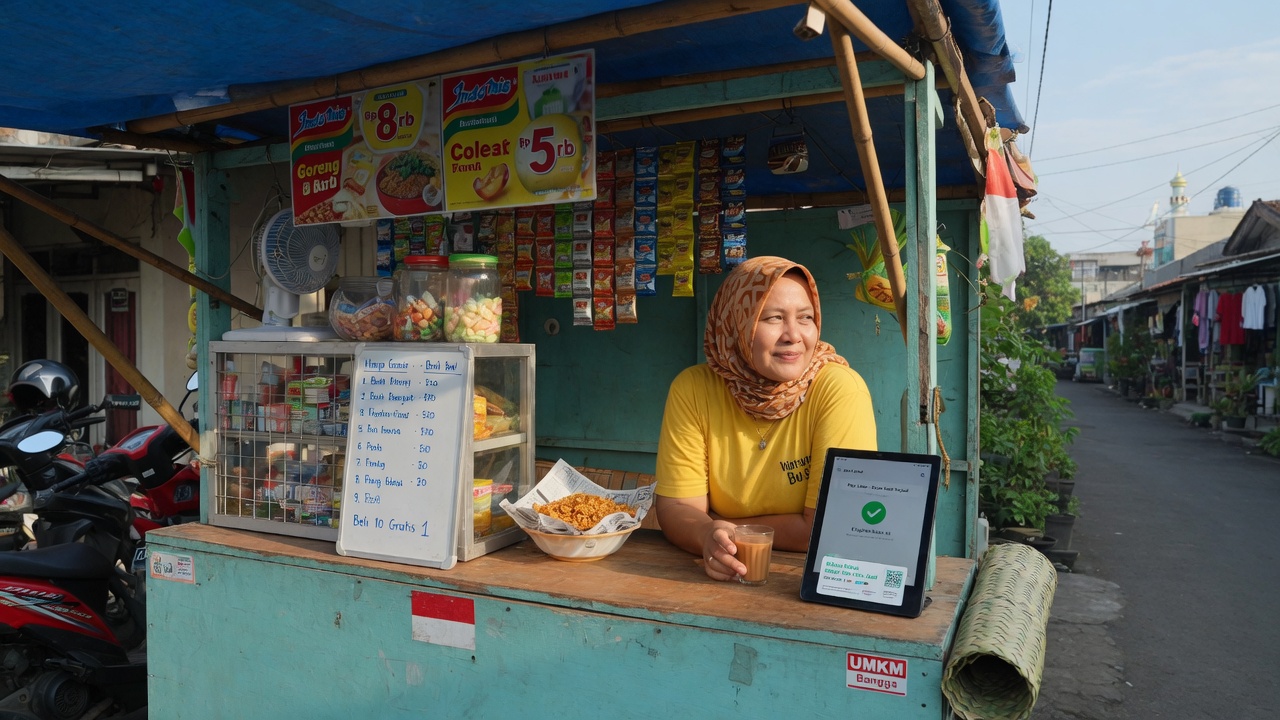
UMKM stall using POS with no monthly fee
4

Free. No monthly payment. 5% only when you sell

POS in Xdata is free, with no monthly payment. There is a 5% fee for each paid transaction. If there is no transaction, this system stays free.

  • No monthly subscription
  • 5% taken from each paid sale
  • No sales = the POS stays free
Merchant withdrawing daily POS sales to bank
5

Withdraw sales every day

You can withdraw your sales every day. On working days the withdraw is processed within 1 working day. Public holidays and weekends are processed the next business day.

  • Withdraw every day from the dashboard
  • Working days: processed within 1 working day
  • Holiday and weekend: next business day
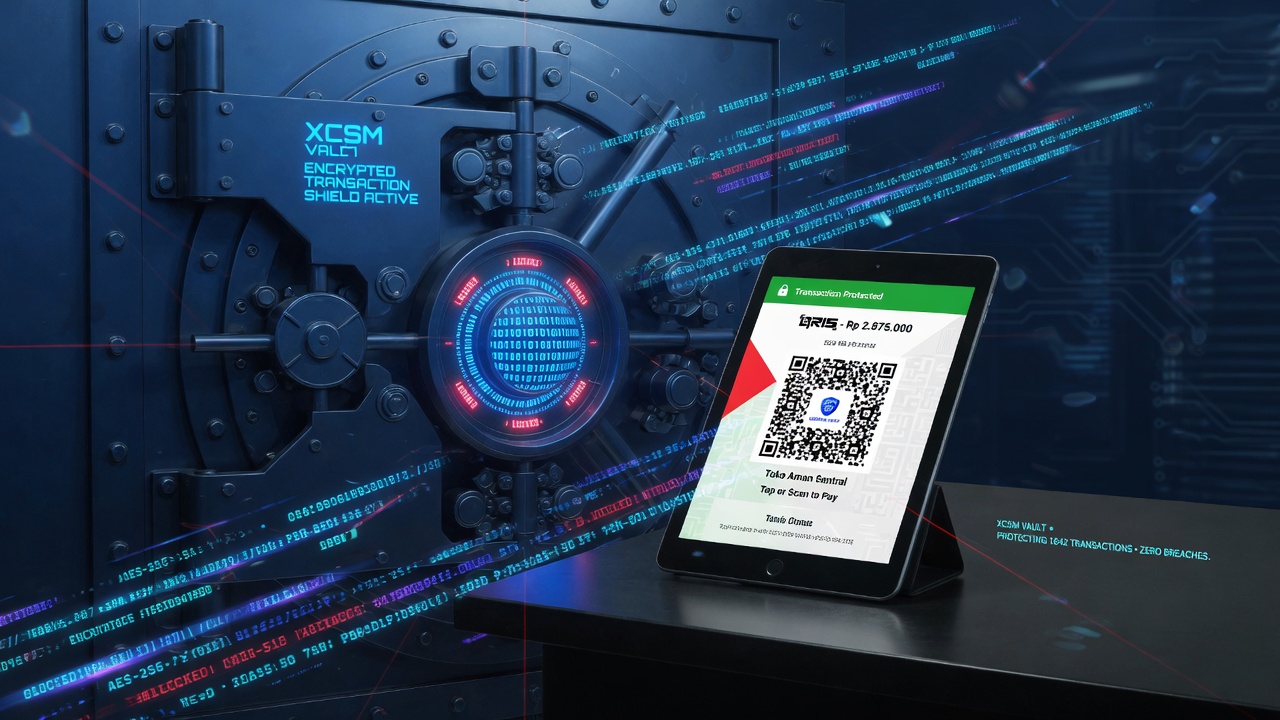
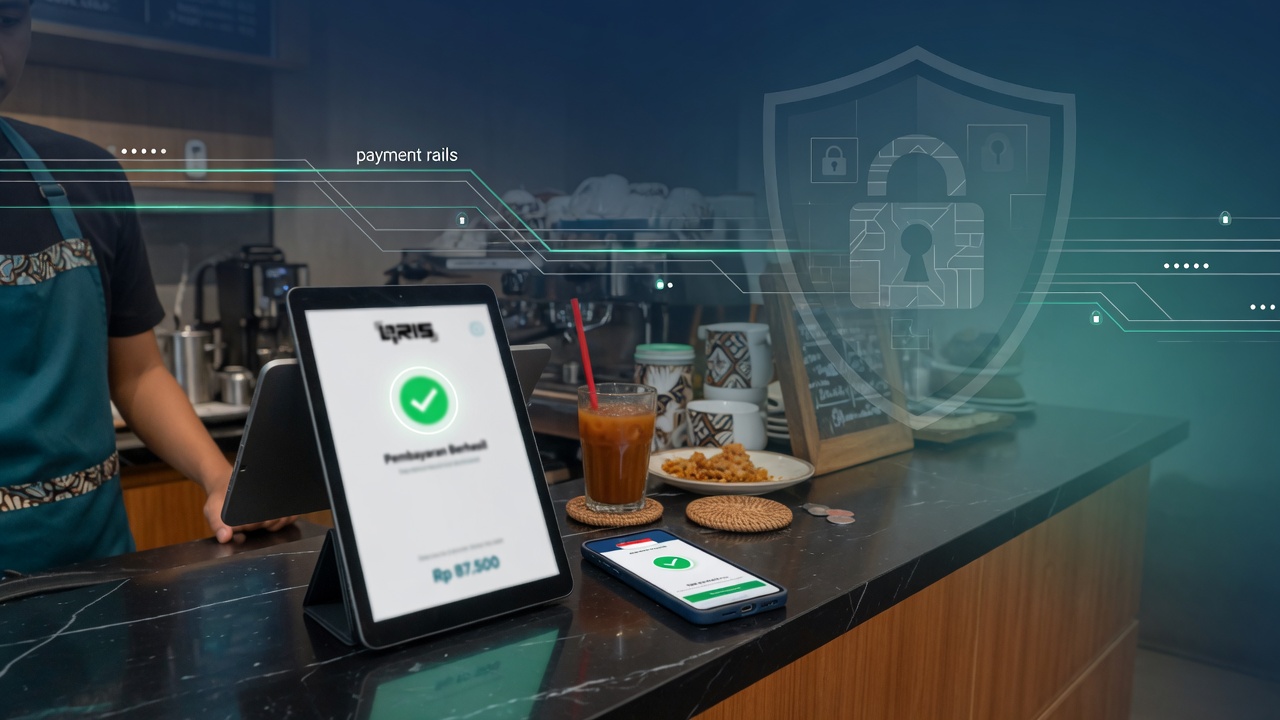
XCSM Vault encrypting POS transactions
6

Encrypted with XCSM Vault

All data is encrypted with XCSM Vault, so your transactions stay secure and are not open to hackers.

  • XCSM Vault on POS data
  • Sales and payments stay private
  • Same vault used across Xdata products
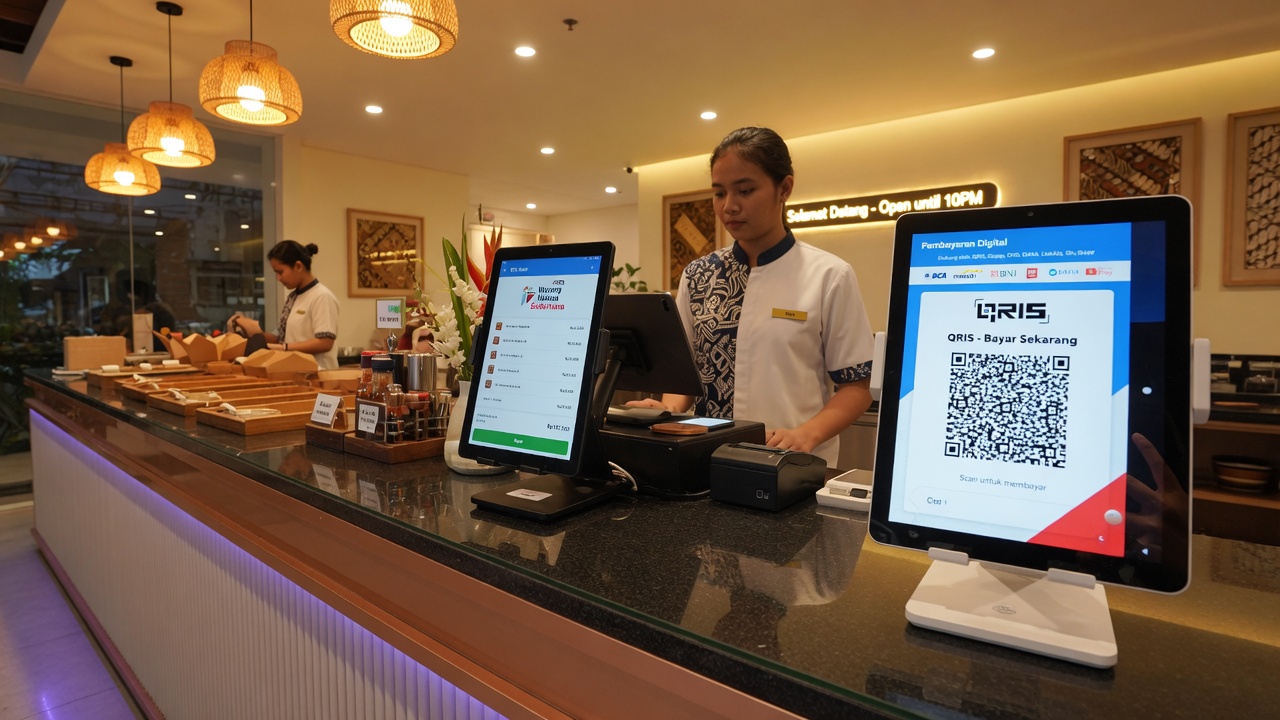
Professional restaurant counter with POS and QRIS tablets
7

Your business looks more professional

Your business will look more professional using the Xdata POS system — staff tablet, guest QRIS, and a clean checkout, without a static QRIS on the wall. Xdata POS also has a separate Kitchen app and Stock app for food stores, and a separate Stock app for clothes shops, shoe shops, phone shops, gold shops, stationery shops, and grocery stores. Every sale on POS and every payment via QRIS in the QRIS app automatically reduces your stock — from small items such as pens and folders in a stationery shop, to gold by the gram, to remaining units of a phone brand in your store. All systems are connected to help you manage stock, and everything is free with no monthly fee.

  • Owner, manager, cashier, waitress logins
  • Branches at pos.xdata.id/storename/branch
  • Sales charts on the client dashboard
  • Separate Kitchen and Stock apps for food stores
  • Stock app for clothes, shoes, phones, gold, stationery, and grocery stores
  • POS sales and QRIS payments automatically reduce stock
  • Connected stock for the whole store — free, no monthly fee
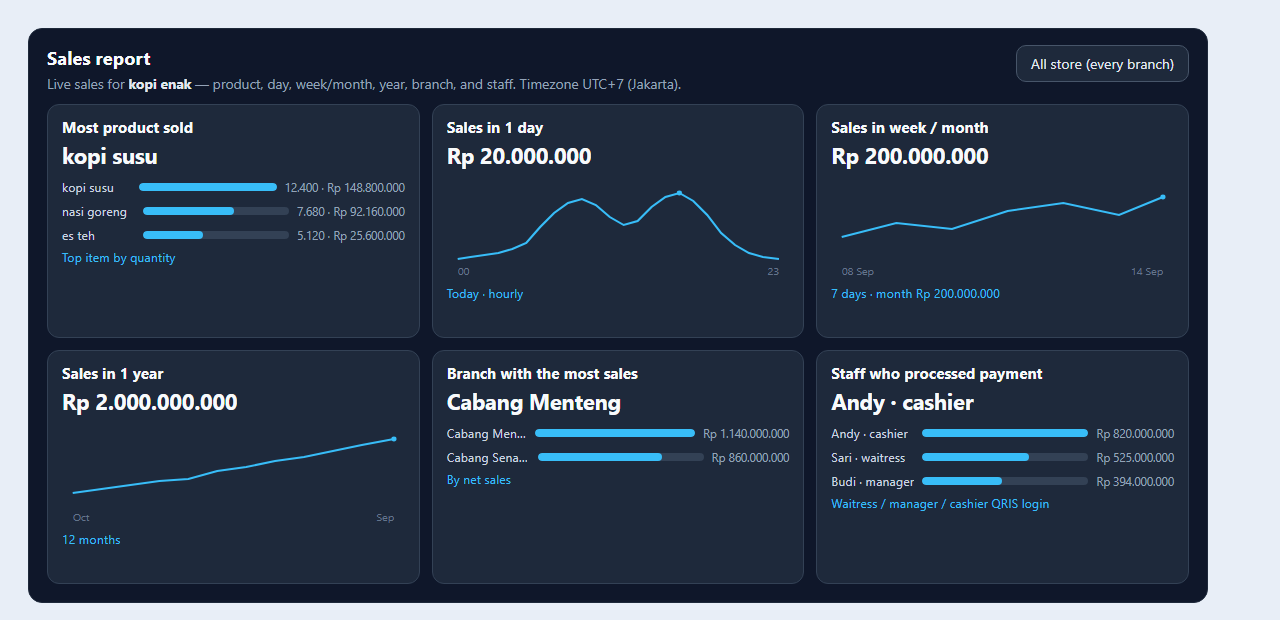
Free POS sales report: kopi susu top product, Andy top staff, Rp 20 million a day
8

Free sales analytics on the POS dashboard

Sales analytics is free on the POS dashboard. The owner can see their sales. If the store has many branches, the owner can see products sold and which staff work hardest, per branch.

  • Sales per day, month, and year in one view
  • Top product sold and top staff, including per branch
  • Included free with the POS system — no extra fee
Guests order food on an Xdata table tablet and pay with QRIS at their table
9

Order from the table — tablet, kitchen, and QRIS at the seat

Xdata POS also lets customers order from each table. The Table Android app is set to a table number when the store opens — the same table every day, or a different table. Guests order on the tablet, see the kitchen prepare the food, and see when it is delivered. After the meal they pay at the table by scanning QRIS. Cashier, manager, and owner get a notification on the POS Android app that table 1 is paid. Waitress sees the payment is complete, so the next guest can order at that table. The owner can also set payment at the start. After the guest orders on the tablet at the table, a QRIS code with the order total appears so they can pay first. After payment, the kitchen is notified to prepare the order, and the guest can enjoy the food after it is delivered to the table.

  • Table Android app: set the table number at open, same table or a different table
  • Guest orders on the tablet and watches kitchen prepare and deliver
  • Pay at the table with live QRIS after the meal
  • POS Android notifies cashier, manager, and owner that the table is paid
  • Waitress sees payment complete, so the table is free for the next guest
  • Or pay first: QRIS with the order total appears after the guest orders, kitchen is notified after payment, then food is delivered to the table
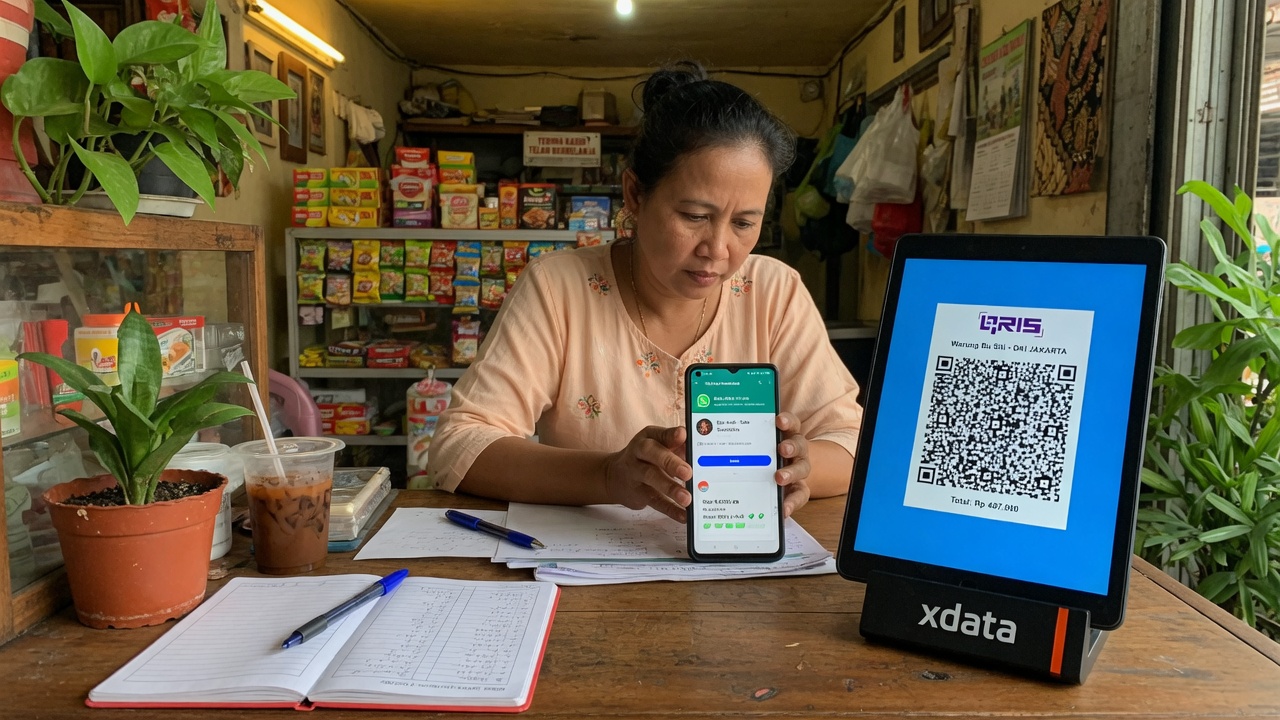
Shop owner sends an Xdata QRIS chat payment link on WhatsApp
10

Chat payment — send a QRIS link on WhatsApp or Telegram

For online orders, the cashier can generate a QR pay code in POS, write the customer name, and send the HTTPS link. When the customer opens it, they see the order details, total, and a code. They tell that code to the cashier. The cashier confirms, then QRIS appears and the customer can pay. The cashier can check Paid or Not paid on the POS dashboard. The code on each link stops fake links that try to divert QRIS.

  • Generate a QR pay link in POS and send it on WhatsApp or Telegram
  • Customer opens the link: order details, total, and code — no QRIS yet
  • Customer tells the cashier the code; cashier confirms; QRIS appears
  • Check paid or not paid on the POS dashboard
  • The code on each link stops fake QRIS
Xdata POS payments processed by DOKU with Bank Indonesia PJP level 1 license
11

DOKU-integrated payment processing

Our Point Of Sales system uses integrated payment processing by DOKU as our partner. DOKU holds a PJP level 1 license from Bank Indonesia. Payment is secure, and 100% of revenue on the XDATA POS system is withdrawn directly from DOKU to the merchant* without processing by Xdata Indonesia. This keeps XDATA POS payment processing secure and compliant with Bank Indonesia regulations.

  • Payment processing partner: DOKU
  • DOKU holds PJP level 1 license from Bank Indonesia
  • Merchant withdraw goes from DOKU to the merchant, not through Xdata Indonesia
  • Built to stay secure and aligned with Bank Indonesia rules

* All QRIS payments will be collected 0.7% for QRIS fee and 4.3% for processing fee per transaction.

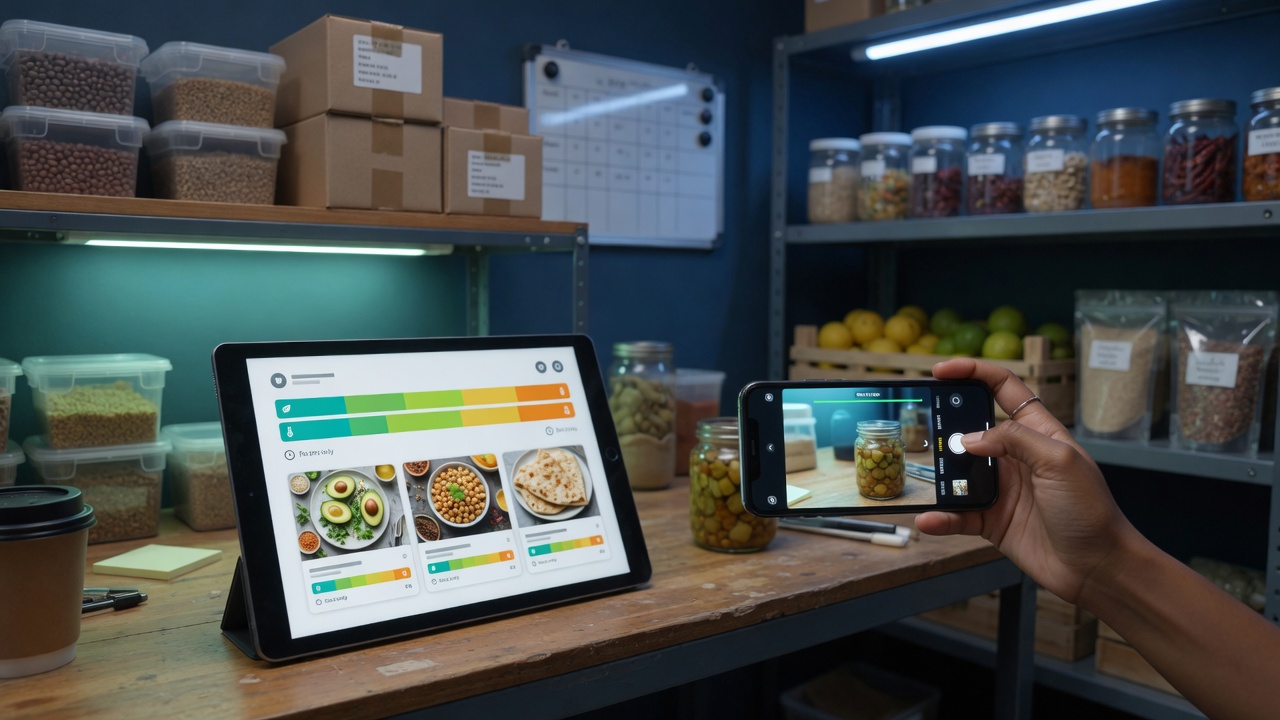
Xdata Stock app: recipes, freshness, barcode scan, and automatic stock
12

Xdata Stock — recipes, freshness, and barcode stock

Our Stock app makes it easy for store owners to manage stock. For a food store, the owner can write recipes (visible only to the owner, with the Xdata Vault system so nobody else can access recipe data). Each recipe is connected to the ingredient stock used to make that food. Every time a customer orders, the kitchen cooks, and the customer pays, ingredient stock is reduced automatically. Xdata Stock uses Xdata AI to analyze the freshness of each ingredient automatically, so you avoid too much raw material piling up until it expires. If the store is a stationery shop or a gold shop, Xdata Stock can reduce stock and send automatic notifications down to the smallest items — pins and paper clips, cigarette sticks, gold jewelry such as earrings. When stock decreases, the owner only needs to enter the quantity in one box even if items are sold retail or by the gram. Xdata Stock also provides barcode or QR codes for large stock such as phones, electronics, or household products, so stockies can scan each item barcode with the Xdata Stock app to confirm warehouse quantities. All of this is free.

  • Owner-only recipes in Xdata Vault, linked to ingredient stock
  • Order, kitchen, and payment automatically reduce ingredients
  • Xdata AI analyzes freshness so materials do not expire unused
  • Notifications down to pins, paper clips, cigarettes, and gold earrings
  • Enter one box quantity even when sold retail or by the gram
  • Barcode or QR scan in Xdata Stock to confirm warehouse counts — free

Start POS for your shop

Register on client.xdata.id. Finish store setup and KYC. No product fee. Open pos.xdata.id/your-store or download the Android apps POS Xdata, QRIS Xdata, Kitchen Xdata, Table Xdata, and Stock when you are ready to sell.

Register now